
A home office needs more than enough light to see a keyboard. Poorly positioned lamps can create screen glare, eye discomfort, and unflattering shadows during video meetings. A room may appear bright in person while still looking dark or uneven through a webcam.
Planning lighting around the desk, screen, and camera can create a workspace that feels comfortable throughout the day and looks more professional during online calls.
Make the Most of Natural Daylight
Natural light can make a home office feel open and comfortable, but its direction matters. Placing a desk directly in front of a bright window may cause eye strain. Sitting with the window behind you can leave your face in shadow during video calls.
A desk positioned sideways to the window often provides a better balance. Light enters from one side without shining directly into the eyes or reflecting strongly from the screen.
Blinds or curtains can help soften changing daylight and provide greater control on very bright afternoons.
Build a Comfortable Base of General Light
Ceiling lighting provides the main level of brightness in the room. It should create even illumination without producing a strong reflection on the monitor.
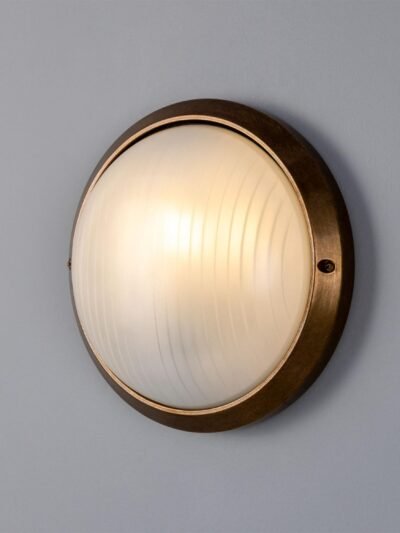
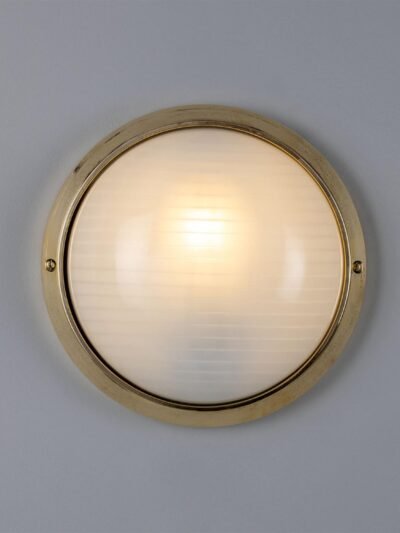
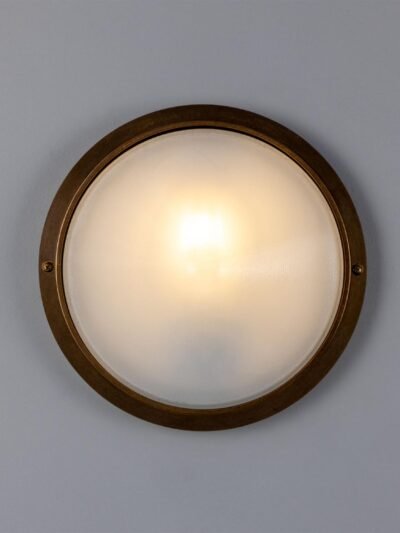
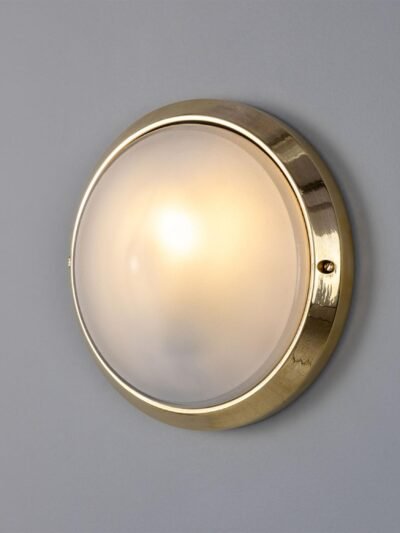
Modern ceiling lights with diffused shades can spread light more gently than exposed bulbs. In offices with limited ceiling height, flushmount ceiling lights can provide useful illumination without making the space feel crowded.
The central fixture does not need to be the brightest light in the room. Its role is to prevent the background from becoming too dark when task lighting is in use.
Add Focused Light Around the Desk
Task lighting helps with reading, writing, and detailed work. Modern table lamps can be placed on the desk, although the lamp should not take up too much working space or shine directly onto the screen.
Right-handed users may prefer a lamp on the left side of the desk, while left-handed users may benefit from placing it on the right. This positioning can reduce shadows when writing.
Adjustable lamps provide more control because the light can be directed towards documents rather than the monitor.
Use Floor Lamps When Desk Space Is Limited
Small desks can quickly become cluttered. In this situation, a floor lamp may provide task or ambient lighting without using the work surface.
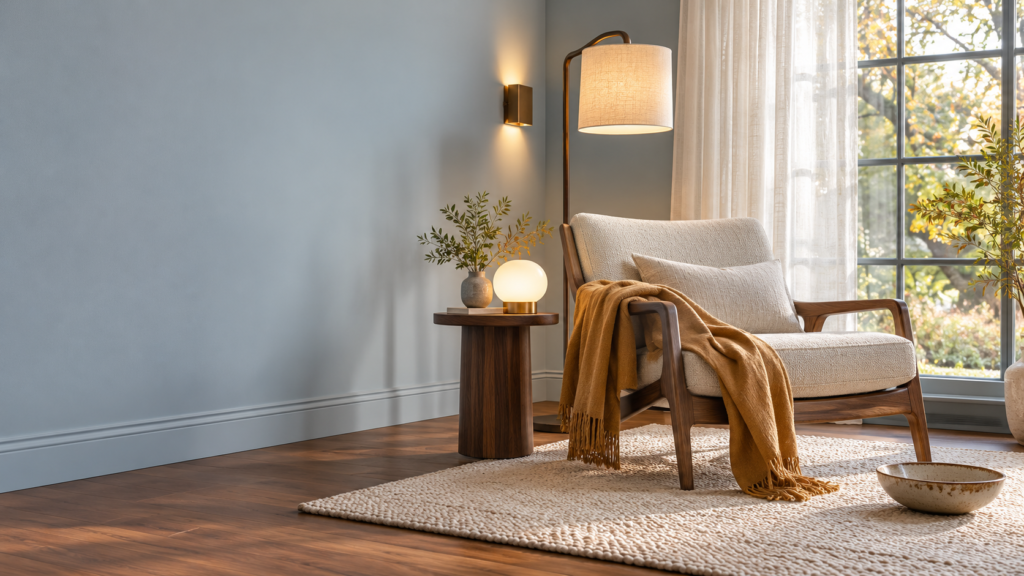
Floor lamps for living rooms can also function well in larger home offices, particularly when the workspace forms part of a multipurpose room. A lamp with an adjustable head can direct light towards the desk, while an uplighter can brighten the surrounding area.
Cables should be kept away from walkways and secured where necessary.
Improve Lighting for Video Meetings
For video calls, the face should receive soft, even light from the front or slightly to one side. A bright ceiling fixture alone may create shadows under the eyes and chin.
A diffused table lamp positioned behind or beside the screen can provide better facial lighting. The bulb should not be visible directly to the person sitting at the desk.
Avoid placing a strong light behind the chair, as the webcam may darken the face to compensate for the bright background.
Create Depth in the Background
A video-call background does not need to be elaborate. A small lamp, plant, or softly lit wall can help create separation between the person and the background.
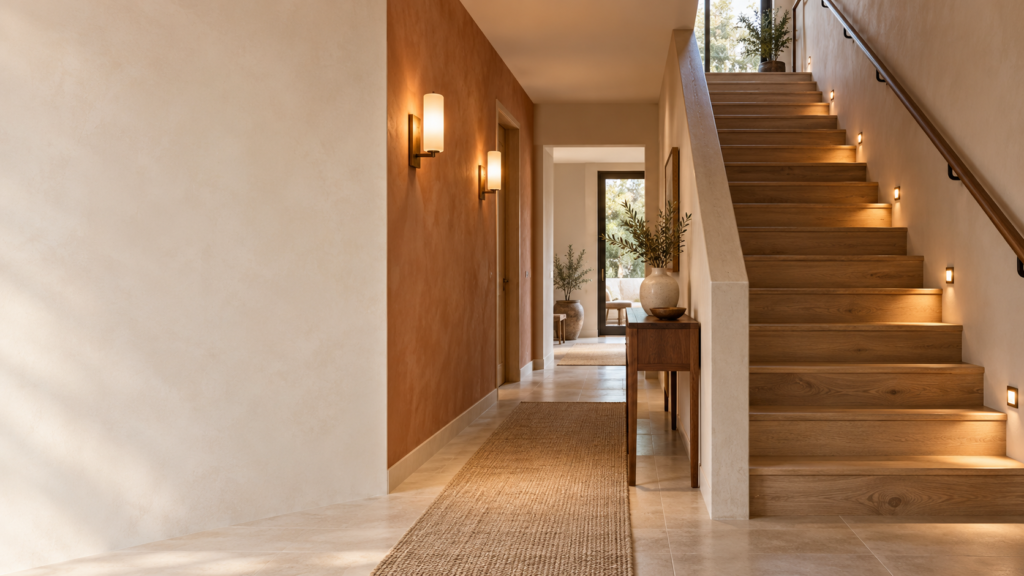
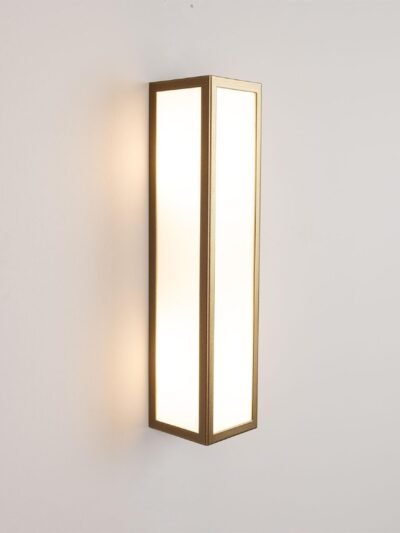
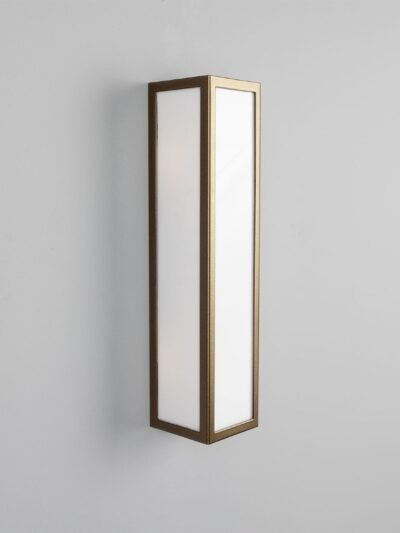
Modern wall sconces may add gentle ambient light when permanent installation is appropriate. In rented spaces, a portable lamp may offer similar results without electrical changes.
Renov Official features contemporary ceiling, table, floor, pendant, and wall lighting. When comparing any home office fixture, consider adjustability, dimensions, brightness, bulb compatibility and the available power outlets.
Select a Suitable Color Temperature
Warm light can feel relaxing, but very yellow lighting may not be ideal for detailed work. Cool light may support alertness, although an overly blue tone can make the office feel uncomfortable.
A neutral white bulb is often a practical choice for working. For video calls, matching the color temperature of nearby lamps can prevent one side of the face from appearing warmer or cooler than the other.
Conclusion
Effective home office lighting combines natural daylight, general room lighting, and a focused task lamp. The arrangement should reduce glare, support concentration, and keep the face clearly visible during video meetings.
Small changes in lamp position can make a noticeable difference. Test the setup from both the desk and the webcam before deciding whether another fixture is needed.
Frequently Asked Questions
Should a desk face a window?
Not always. Positioning the desk sideways to a window can reduce glare while still providing useful natural light.
What light is best for video calls?
Soft light placed in front of the face or slightly to one side generally produces the most balanced result.
Can a floor lamp replace a desk lamp?
Yes, if it provides enough focused light and can be positioned safely near the workspace.